Commercial security systems rarely fail dramatically. They degrade quietly over years. The day you actually need the footage, the camera has been offline for six months and nobody noticed. Here are the five signs that your current system has reached end-of-life, and what to do about it.
Sign 1: Cameras going offline more than once a quarter
One camera going offline on a 20-camera site every two or three months is normal — hardware fails, power fluctuates, cables get knocked during fit-outs. One camera going offline every week is a pattern. Four or five going offline over a quarter is a system failure in slow motion.
Common root causes we see:
- End-of-life hardware: cameras 8-10 years old, past manufacturer support, with capacitors failing in the ambient heat of an Australian summer.
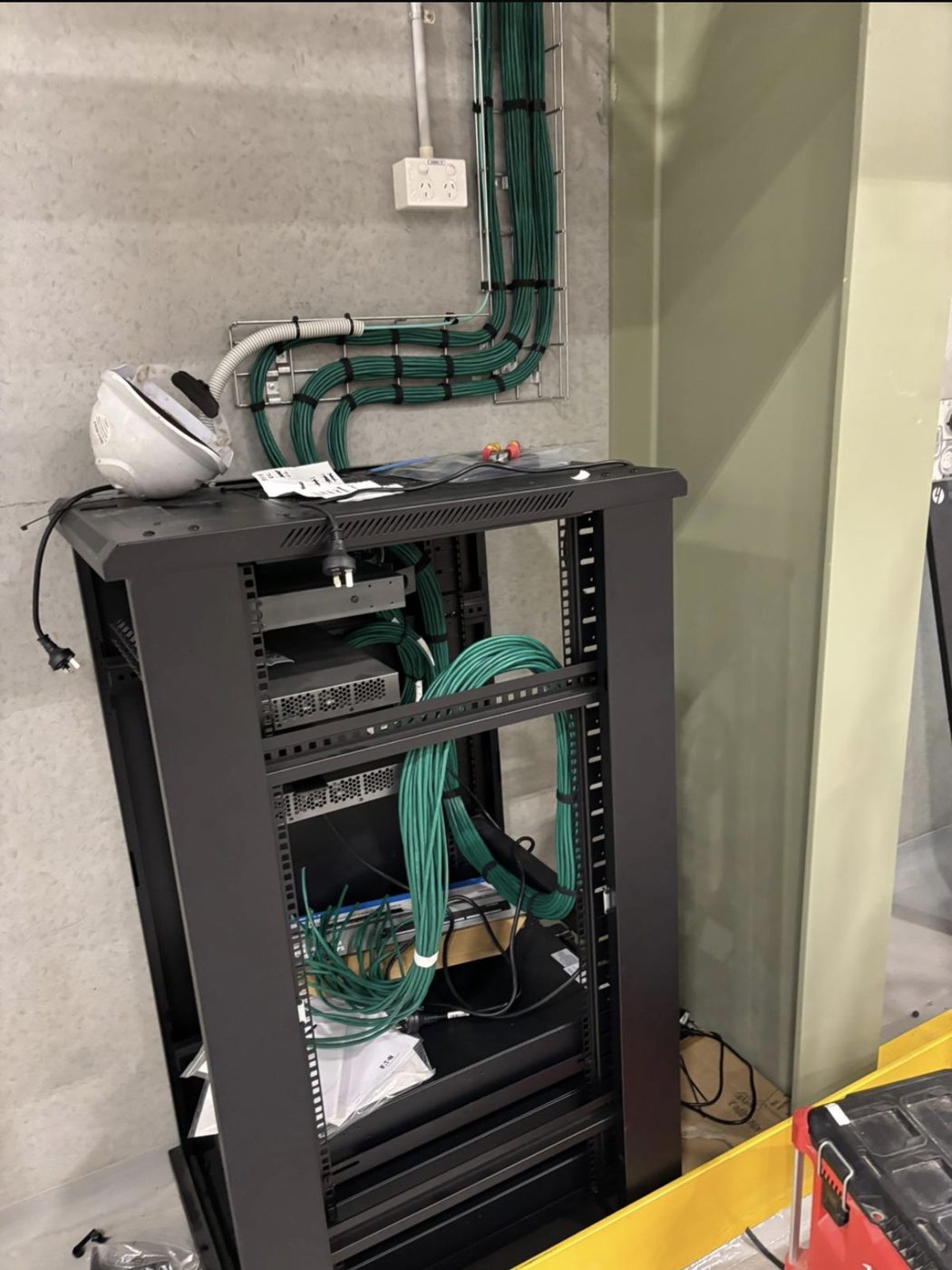
- Deteriorating cabling: Cat 5e or Cat 6 cabling run 15 years ago, suffering from aged connectors, moisture ingress, or physical damage from subsequent fit-outs.
- Network capacity: cameras added one at a time over years without network re-design, now flooding a switch that was never meant to carry this volume.
- Power delivery: PoE switches past their rated lifespan or operating beyond their total budget.
If you have a maintenance contract and your installer is telling you "just a camera failing again, we'll replace it," on the third or fourth time of the same conversation, ask for a system health report. One-off failures are normal; a pattern means the next six months will contain many more of them.
Sign 2: False alarms the team has learned to ignore
This is the most dangerous sign in security because the system appears to work — it's generating alerts — but the alerts have become noise. Staff triage them as false by default. When the real event fires, nobody acts on it.
Causes are usually:
- Sensor placement that didn't age well: PIR sensors reacting to HVAC vents installed later, to blinds moving in air currents, to signage installed in front of them, to wildlife (particularly a problem in Australia).
- Thresholds set to factory default: never tuned to the actual site. Modern dual-tech sensors and AI-enabled cameras have significantly reduced false alarm rates — if your system pre-dates those capabilities, it's been generating preventable noise for years.
- Scope creep without reconfiguration: the fit-out added a new mezzanine, a new coffee machine, a new printer — none of these were accounted for in the original zoning.
The fix is sometimes a tune-up, not a replacement. Ask your installer for a false-alarm audit before committing to new hardware. But if the alarm log shows 50+ false events a month on a system that was commissioned 10+ years ago, you're probably past tuning territory.
Sign 3: Panels you can't get parts for
Access control panels, alarm panels, and NVRs all have manufacturer support lifecycles. When a manufacturer discontinues a line, parts availability starts shrinking within 12-18 months and ends inside 5 years. If your installer is sourcing replacement controllers from eBay or offering refurb units from decommissioned sites, you're operating on borrowed time.
Specific red flags:
- Access control running on Tecom Challenger 10 with Forcefield (end-of-life announced; migration path to Challenger 10/CTPlus exists but needs planning)
- Analogue CCTV with coax infrastructure (parts available but increasingly uneconomic to maintain; IP migration is a planned project not an emergency replacement)
- Lenel OnGuard panels pre-S2000 series (support contracts getting progressively more expensive)
- Any NVR running Windows XP or 7 (security risk independent of the camera system)
This isn't a case for ripping and replacing. It's a case for having a 12-24 month plan to migrate before the parts shortage forces a crisis replacement at double the cost.
Sign 4: Footage that's "not quite usable" at the critical moment
An incident happens. You pull the footage. The resolution is too low to identify the person. The frame rate is too low to see the sequence of events. The camera angle covers the aisle but misses the till. The low-light performance washes out any detail after 5pm. The time stamp is a day off.
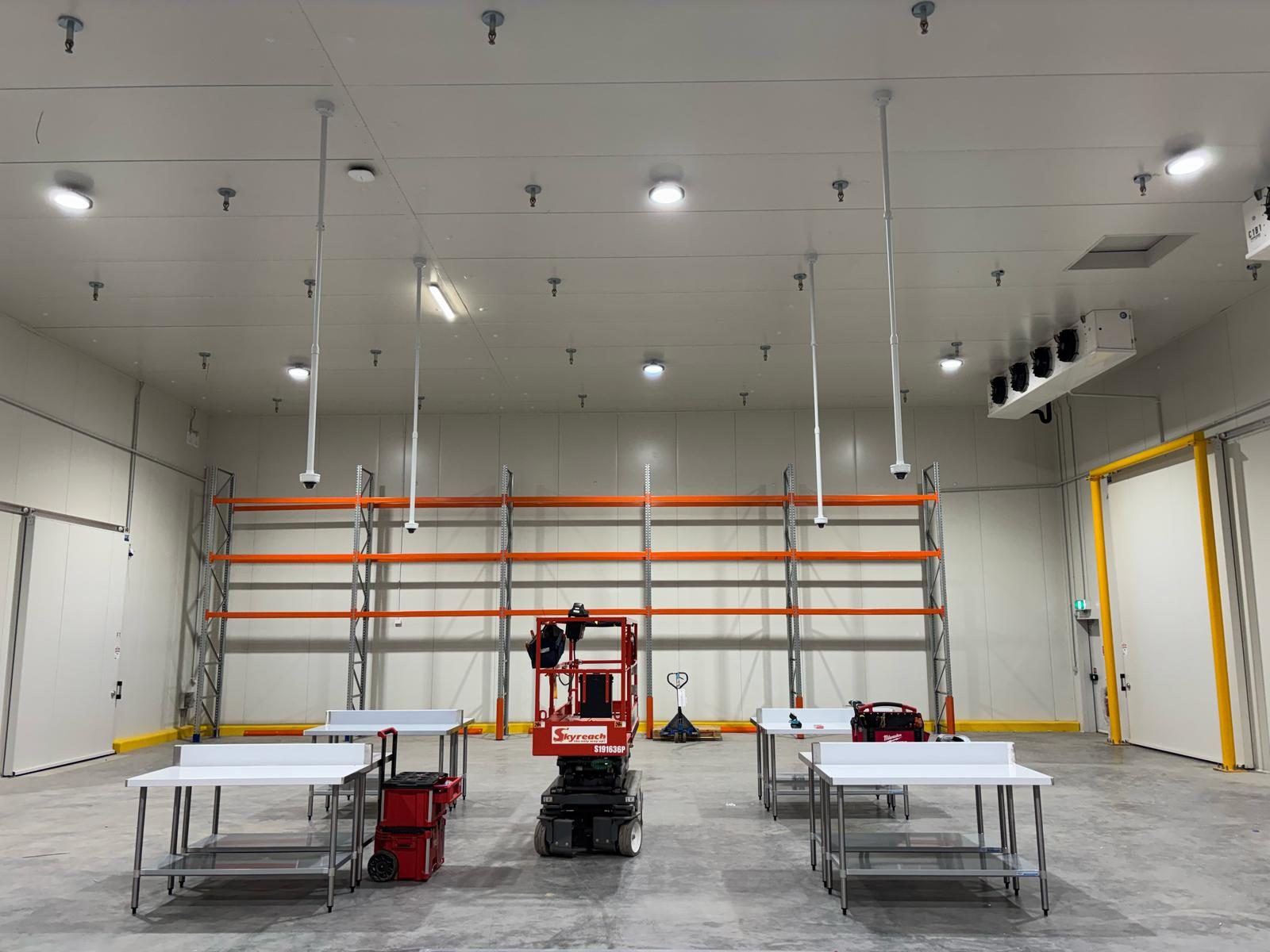
Any one of these on a key camera is a sign the system was designed for yesterday's requirements. CCTV from 2015 is not CCTV from 2026 — resolution has improved an order of magnitude, low-light performance has transformed, and AI analytics (object detection, person/vehicle classification, line crossing) are now standard on cameras in the normal commercial price band.
Specific test: pull footage from your most important camera at midnight on the current month, zoom into a face at the position someone would stand to be identified, and see if you'd actually get a conviction from it. If no, your system is working but not doing what you need it to do.
Sign 5: Software updates have stopped arriving
Your access control management software was last updated in 2021. Your NVR firmware is three major versions behind. The camera manufacturer dropped the model from the support list two years ago. The intercom panel still works, but the mobile app that pairs with it hasn't been updated for iOS or Android in 18 months.
When vendors drop support, three things happen:
- Security vulnerabilities don't get patched. This matters more every year as attackers target end-of-life hardware (there are automated scanners specifically looking for known-vulnerable NVRs).
- Integration options stop working. If you want the new HR system to sync with access control, or you want the alarm panel to talk to a cloud monitoring platform, support ends.
- Replacement devices stop being compatible. New cameras won't pair with the old NVR; new readers won't talk to the old controller.
Ask your installer: when was the last firmware update applied to each major platform on my site? If the answer is "over a year ago" or "the vendor hasn't released one," you're on borrowed time.
What to do about it
Audit before you replace
Not every sign requires a forklift replacement. The right first step is a written condition report — a tech walks the site, tests every device, reviews the configuration and support status, and produces a document that tells you honestly what's functional, what's end-of-life, and what's salvageable.
We charge for condition reports because they take real time and produce a document you can use whether or not we end up doing the replacement work. Any installer offering one "free" is offering a sales pitch, not an audit.
Staged upgrade versus full replacement
A full replacement makes sense when:
- The platform (access control panel + management software) is end-of-life
- The majority of devices are past 8 years old
- Cabling needs to be re-pulled anyway (fit-out, moisture damage, Cat 5 to Cat 6A upgrade)
- The compliance posture of the site has materially changed
A staged upgrade makes sense when:
- The platform is still vendor-supported with a migration path
- Some devices are near end-of-life but others have usable life left
- Cabling is in good condition and can carry upgraded gear
- Budget is spread across 2-3 financial years
Staged works for perhaps 60% of commercial sites we assess. The remaining 40% genuinely do need the forklift. We'll tell you upfront which category your site falls into.
What 12-to-24 month upgrade planning looks like
A sensible upgrade plan for a mid-size commercial site:
- Month 0: Condition audit. Written report covering device-by-device status, platform support lifecycle, cabling assessment, documentation gaps, compliance alignment. Agreed scope and budget range.
- Month 1-3: Design and quote for the staged replacement. New platform (if applicable) specified. Pathway for every device from current state to end state documented. Interim-maintenance arrangements for the devices being retained for now.
- Month 4-6: Replace the highest-risk devices first — the cameras in the most critical positions, the panel with the thinnest parts availability, the access control controllers past their support window.
- Month 7-12: Platform migration (if the management software is changing). This is the most involved piece and usually happens over a planned weekend with careful cutover.
- Month 13-18: Replace remaining devices on a planned cadence as part of normal service visits.
- Month 19-24: Final tidy-up — decommission any remaining legacy infrastructure, verify documentation is current, confirm the new system's audit posture.
Budget-wise, staging the upgrade over 24 months typically means annual spending in the range of what a mid-size site would have budgeted for maintenance anyway, with incremental uplift. The forklift-replacement number tends to shock budget-holders; staging makes it manageable.
Where to start
If one or more of these signs sounds like your site, the next step is a written condition report. We can audit your current system (regardless of who installed it) and tell you honestly whether you're looking at a tune-up, a staged upgrade, or a full replacement. Get in touch and we'll book the walk. Or see our annual service visit checklist for what a properly maintained system should look like day-to-day.